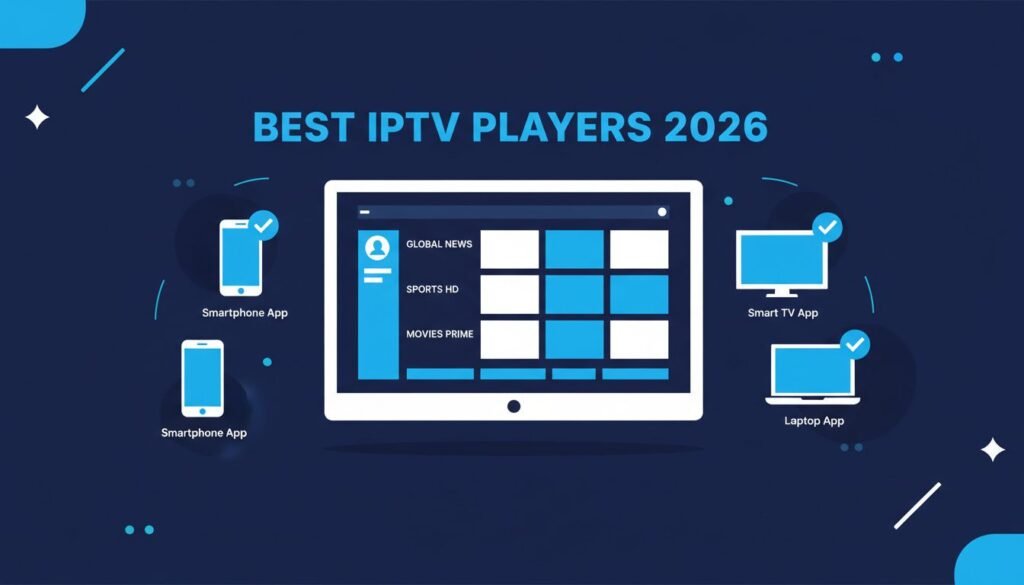
A customer messages you at 10pm on a Saturday. They just paid for a month of service, their line is active, and they cannot get the app to load their playlist. You spend 20 minutes troubleshooting before you figure out they downloaded some random free player from the App Store that does not support Xtream Codes API. That call was entirely avoidable.
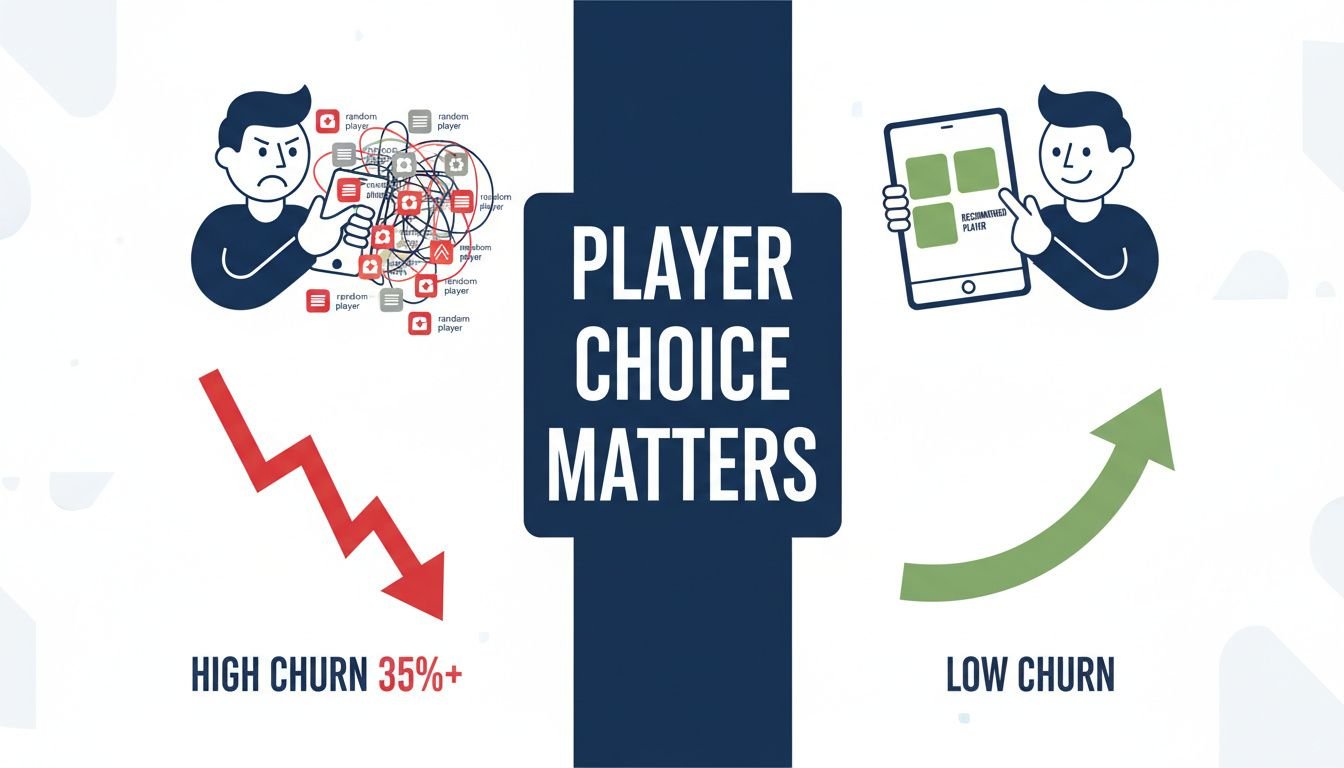
Recommending the best IPTV player for customers upfront — before they go hunting on their own — is one of the simplest operational decisions you can make to cut your support workload in half. Most resellers skip this step. They hand over credentials and assume customers will figure it out. Then they wonder why their churn rate sits above 35% in the first 90 days and their phone never stops buzzing. The player recommendation is not an afterthought. It is part of your service.
Why the Player You Recommend Directly Affects Your Churn Rate
Here is something the consumer-facing comparison sites will never tell you: the app your customer uses has a direct relationship with how long they stay subscribed. Not because of content quality or your server uptime — those matter too — but because a confusing setup experience or a buggy interface creates doubt. Customers who struggle in week one start questioning whether the service is worth it. Most of them do not call you. They just cancel.
Most new resellers set their price at $10 and hit 40% monthly churn before they understand why. A significant portion of that churn is not about the streams at all. It is about friction at the app level. Customer cannot find the EPG. Customer cannot figure out how to add their M3U URL. Customer gets a black screen because the app defaulted to a codec their device does not handle. These are all player problems, not server problems.
The reseller who standardizes their player recommendations — picking two or three apps for specific device categories and sticking with them — builds a support workflow they can actually manage. When every customer uses a different app, every support call starts from zero. When 80% of your customers are on TiviMate or IPTV Smarters, you can write a three-step setup guide and handle most issues before they become phone calls.
This is also where your connection type matters. If your panel runs Xtream Codes, you need apps that handle the Xtream Codes API cleanly. If you are delivering M3U playlists, the priority list shifts slightly. Understanding the difference is foundational — check out the Xtream Codes vs M3U explained for resellers breakdown before you finalize which apps you standardize on. Getting that wrong means recommending an app that does not match how your lines are actually provisioned.
The Support Ticket Math No One Talks About
Run the numbers on your own operation. If you have 100 active customers and even 15% of them contact you monthly with app-related issues, that is 15 support interactions per month you did not need to have. At 20 minutes average per interaction, you are burning five hours monthly on preventable problems. Scale that to 300 customers and you are looking at a part-time job’s worth of time just managing app confusion. Standardizing player recommendations and building a short onboarding document around them eliminates most of that. Not all of it. Most of it.
TiviMate vs IPTV Smarters Pro — Choosing the Best IPTV Player for Customers on Different Devices
These two apps dominate the reseller conversation for good reason. They cover the majority of device types your customers are actually using, they both handle Xtream Codes API and M3U, and they have enough of an install base that troubleshooting resources are easy to find. But they are not interchangeable, and recommending the wrong one for a given device creates exactly the kind of friction you are trying to avoid.
TiviMate is the clear winner for Android TV boxes and Fire Stick users. The interface is built around remote navigation. Channel switching is fast — typically under a second on a stable connection. The EPG integration is clean, the catch-up feature works well when your provider supports it, and the UI does not overwhelm non-technical users. The premium version runs about 4.99 euros per year, which is low enough that you can absorb it into your service cost or ask customers to pay it directly without much resistance. Check the TiviMate official site for current pricing and supported device versions — they update the app regularly and it is worth knowing what version your customers should be running.
IPTV Smarters Pro is the better choice when your customer base is mixed — people on phones, tablets, Windows PCs, and smart TVs all in the same household. The app runs on iOS, Android, Windows, and some Smart TV platforms, which means one recommendation covers a wider range of devices. The setup flow is more step-heavy than TiviMate, which can generate more first-time questions, but once it is configured it runs reliably. The IPTV Smarters Pro official site has documentation that you can point customers toward directly, which saves you from writing everything yourself.
When to Recommend TiviMate and When to Recommend Smarters
The decision is mostly device-driven. Customer has an Android TV box or Fire Stick as their primary device — send them to TiviMate. Customer is watching mostly on an iPhone or iPad — Smarters is the practical choice because TiviMate does not have an iOS version. Customer has a Windows PC as their main screen — Smarters again. Customer has a mixed household with multiple device types and wants one app to manage everything — Smarters handles that better. Where it gets complicated is the customer who has a Fire Stick in the living room and an iPhone on the go. For those customers, the honest answer is two apps, and you should have a setup guide ready for both.
XCIPTV and GSE Smart IPTV — The Underrated Options Worth Knowing
Most reseller conversations default immediately to TiviMate and Smarters, which means XCIPTV and GSE Smart IPTV get undersold. That is a mistake, because both apps serve specific customer profiles that the top two do not cover as well.
XCIPTV has been building a reputation quietly for the past couple of years. It handles large playlists — we are talking 10,000+ channels — without the kind of lag and buffering that some other players show when loading oversized M3U files. If you are reselling a package with extensive sports, international, and VOD content, and your customers are complaining that their app takes three minutes to load, XCIPTV is worth testing. The interface is more modern than Perfect Player or older alternatives, and the Xtream Codes integration is solid. It is available on Android and Android TV, which covers the majority of the set-top box market.
GSE Smart IPTV gets discussed primarily as an iOS solution, and it does perform well on iPhone and iPad. But its Android version is underused and worth recommending for customers who want more granular control over their streams — things like manual codec selection, custom EPG URL input, and per-channel stream settings. These are not features your average customer will ever touch, but for the technically curious subscriber who keeps asking why a specific channel looks different on their device, GSE gives them something to adjust without calling you. One-time cost of around 2.99 euros makes the barrier to entry essentially zero.
For Samsung and LG Smart TV users specifically, Smart IPTV (a separate app from GSE) is worth having in your toolkit. It activates with a one-time 5.49 euro payment per TV and works directly through the Smart TV app store, which means no sideloading, no external devices, no explaining to a 60-year-old customer how to enable unknown sources. That alone justifies knowing it exists. Your IPTV reseller technical setup essentials should include at least a basic familiarity with this one if any portion of your customer base is on native Smart TV platforms.
The Connection Type Problem — Matching Players to Your Panel Setup
Here is where resellers who came up through consumer-side IPTV knowledge hit a wall. Not every player handles every connection type with equal reliability, and if your panel outputs Xtream Codes API format, you need to be certain the app you are recommending actually uses that properly rather than converting it to M3U on the fly and losing functionality.
TiviMate, XCIPTV, and IPTV Smarters all support native Xtream Codes API connections. This means when your customer enters their server URL, username, and password, the app pulls the channel list, VOD library, and series content directly from your panel in a structured way. EPG data populates correctly. Catch-up works if your provider supports it. Channel categories load as you defined them in your panel. This is the clean path.
GSE Smart IPTV works better with M3U URLs in most configurations. It can handle Xtream Codes login, but its implementation is less polished than the dedicated Xtream Codes apps. If you are running an M3U-based setup, GSE is a reasonable recommendation. If you are on Xtream Codes, stick to the apps that handle it natively. Getting your EPG right regardless of which app you land on is its own separate task — the EPG setup guide for IPTV resellers covers that in detail and is worth sending to customers who ask why their program guide is empty or wrong.
Playlist Size and Performance — What Actually Breaks Apps
A lot of resellers do not think about playlist size until a customer complains that their app crashes on startup or takes forever to load. The issue is that some apps have practical limits on how many channels they can load smoothly before performance degrades. TiviMate handles large playlists well in its paid version. The free version has limitations. IPTV Smarters can struggle with playlists above 15,000 entries on lower-powered devices. XCIPTV was specifically built to handle high channel counts and is the better recommendation if your package is heavy on content volume. GSE Smart IPTV on iOS handles large playlists well on current iPhones but can be slow on older hardware.
Building a Player Recommendation System Your Customers Can Actually Follow
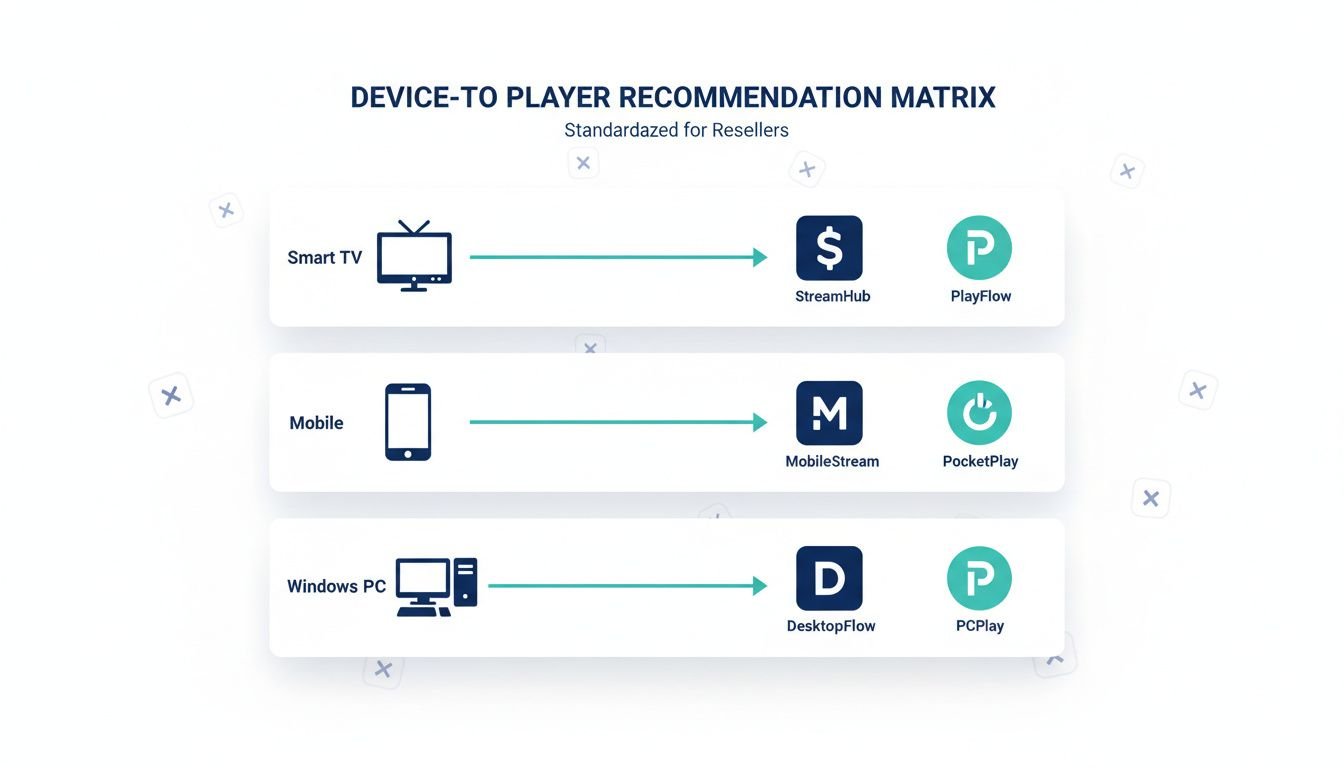
The goal is to never answer the question “which app should I use?” verbally again. You answer it once, you document it, and you send that document to every new customer during onboarding. This is not complicated. It is a one-page reference that maps device type to app recommendation with a download link and a three-step setup summary. Most customers will follow it without contacting you at all.
Structure it by device. Android TV box or Fire Stick: TiviMate, here is the download link, here is how to add your line. iPhone or iPad: IPTV Smarters Pro, here is the App Store link, here is the setup flow. Windows PC: IPTV Smarters Pro or GSE Smart IPTV. Samsung or LG Smart TV: Smart IPTV, one-time activation, here is the link. Android phone or tablet: TiviMate or XCIPTV depending on playlist size. That covers roughly 95% of the devices your customers will show up with.
Pair this with a brief onboarding sequence and you have eliminated the majority of first-week support contacts. The how to onboard a new IPTV customer process should include the player recommendation document as a standard attachment — not something you remember to send sometimes, something that goes out automatically with every new line.
When something does go wrong despite the documentation — and it will, because customers are creative in how they manage to misconfigure things — having a clear escalation path matters. The how to handle IPTV customer complaints framework helps you triage whether the issue is actually the app, the device, the line, or your provider’s server before you spend 45 minutes troubleshooting the wrong layer.
Selecting the Best IPTV Player for Customers Who Are Not Technical
This is the customer profile that breaks most resellers. The technically comfortable customer reads your setup guide, follows the steps, and messages you once maybe to confirm their EPG is pulling correctly. The non-technical customer calls you after downloading three different apps, entering their credentials wrong twice, and concluding that IPTV “doesn’t work.” Managing this customer type well is the difference between a profitable reseller operation and a constant support drain.
For non-technical customers, simplicity of setup is the primary selection criterion — not feature depth, not EPG quality, not playlist capacity. The app that gets them watching with the fewest steps wins, even if it is not the most fully-featured option. TiviMate on a Fire Stick is genuinely hard to beat here. The Fire Stick itself is familiar hardware for most households, the TiviMate interface is clean and remote-friendly, and the Xtream Codes login screen is straightforward enough that you can walk someone through it in under five minutes over the phone.
IPTV Smarters Pro is a close second for non-technical users on Android phones — the setup wizard is step-by-step and hard to break if the customer follows it linearly. Where it falls apart is when customers skip steps or explore the settings menu before finishing the initial configuration. Build your setup guide to specifically warn against this.
Reducing First-Week Dropout With the Right App Pairing
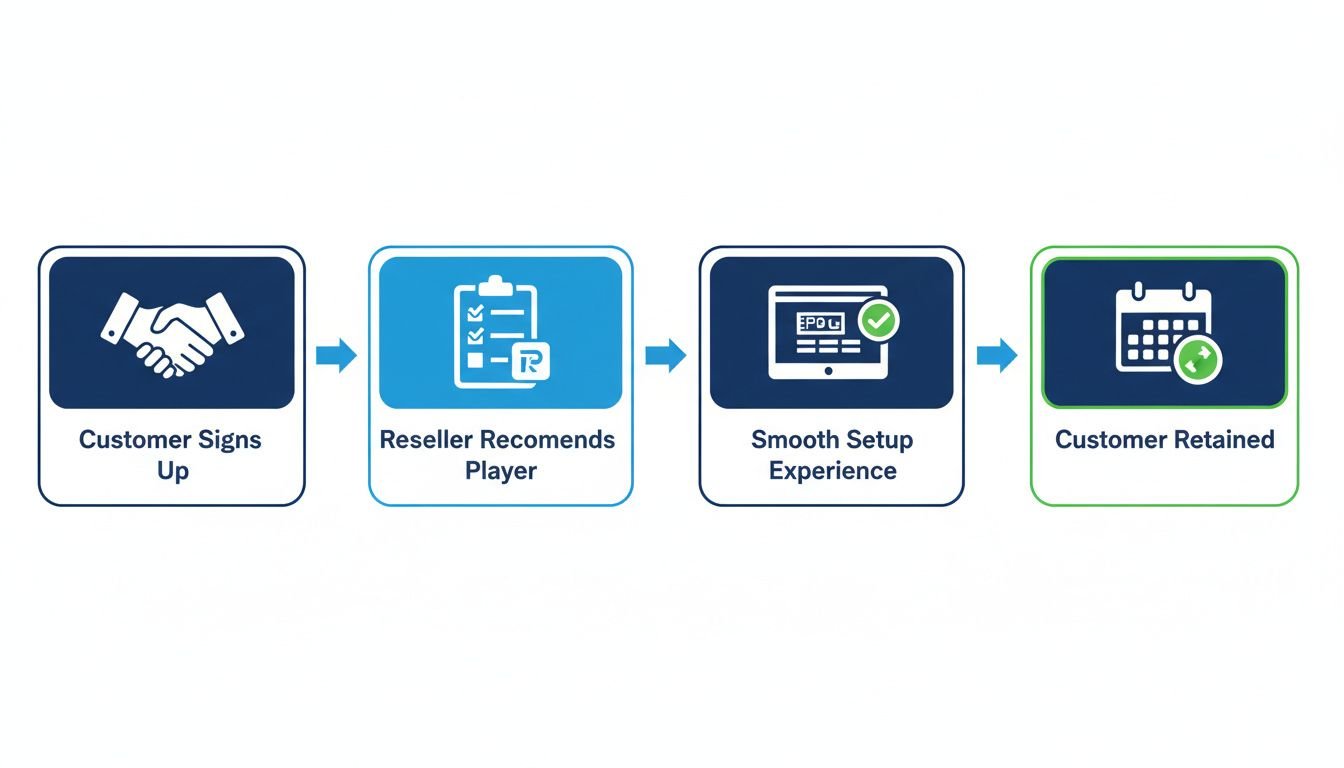
The first seven days after a customer activates are the highest-risk period for churn. If they hit friction in that window and do not get help quickly, they cancel and you lose the line. Matching the best IPTV player for customers to their specific device and technical comfort level upfront directly reduces that first-week dropout rate. A customer who is watching their channels within 10 minutes of receiving their credentials has already formed a positive association with your service. That customer is far more likely to renew than one who spent two hours confused about why their app was showing a black screen.
Send your player recommendation document at the same time you send credentials. Not after. Not when they ask. At the same time. That single process change will reduce your first-week support contacts more than any other operational adjustment you can make. The customers who need the most hand-holding are also the ones most likely to churn, and giving them a clear path immediately is the best tool you have for keeping them past the first billing cycle.
Frequently Asked Questions
What is the best IPTV player to recommend to non-technical customers?
IPTV Smarters Pro is generally the safest recommendation for non-technical users. It supports both Xtream Codes and M3U, works across Android, iOS, and Fire Stick, and has a straightforward setup screen. Customers can enter credentials without needing a tutorial, which reduces inbound support calls significantly.
Is TiviMate better than IPTV Smarters for resellers to recommend?
TiviMate is better for customers on Android TV boxes or Fire Sticks who want a polished EPG and fast channel switching. However, it requires a paid Premium subscription and is Android-only. IPTV Smarters works across more devices. For a mixed customer base, Smarters is safer; for Android-heavy customers, TiviMate wins on experience.
Which IPTV players support Xtream Codes API?
TiviMate, IPTV Smarters Pro, and XCIPTV all support Xtream Codes API login, which lets customers enter a server URL, username, and password instead of a long M3U link. This is easier for customers and easier for you to troubleshoot. GSE Smart IPTV supports M3U and some Xtream formats but is less consistent.
Does recommending a specific IPTV player reduce customer support tickets?
Yes, significantly. Standardizing on one or two players means you can write a single setup guide, record one walkthrough video, and troubleshoot from a known interface. Resellers who let customers pick any app spend far more time on support because every player has different menus, error messages, and update behaviors.
What IPTV player works on Samsung and LG Smart TVs?
Smart IPTV is the most widely used app for Samsung and LG Smart TVs, activated via a one-time fee of around 5.49 euros per TV. XCIPTV also has a Smart TV version. Neither TiviMate nor IPTV Smarters runs natively on Tizen or webOS, so customers with Smart TVs need a separate recommendation from your Android TV defaults.